What Is Multi‑Factor Authentication (MFA) and Why You Should Turn It On
Passwords alone are no longer enough to protect online accounts. Even strong passwords can be stolen through phishing emails, data breaches, or malware. That’s where Multi‑Factor Authentication (MFA) comes in. MFA adds an extra step when logging in, making it much harder for attackers to access your accounts even if they already know your password.
What Is Multi‑Factor Authentication (MFA)?
Multi‑Factor Authentication (MFA) is a security feature that requires two or more proofs to verify your identity when signing in. Instead of just asking “What do you know?” (your password), MFA also asks for:
- “What do you have?” or
- “Who you are?”
MFA usually combines two of the following:
- Something You Know
- A password or PIN
- Something You Have
- A phone, security key, or authentication app
- A one‑time code sent by text or app
- Something You Are
- Fingerprint
- Face recognition
Most people use MFA every day, often without realizing it.
How MFA Works in Real Life
Here’s a simple example:
- You enter your username and password
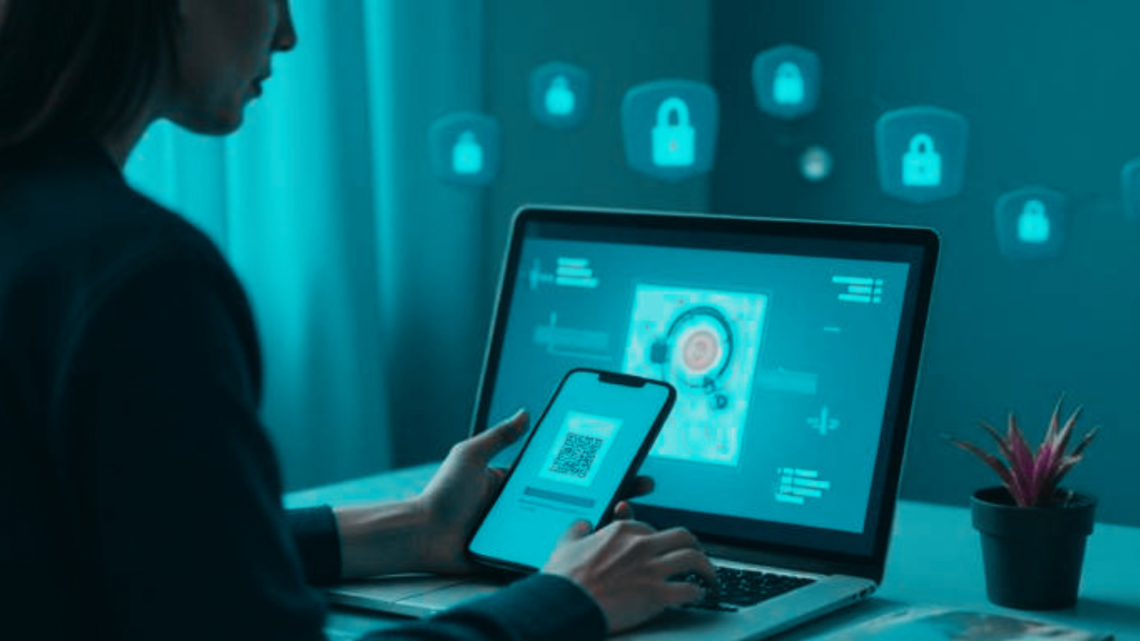
- The system asks for a second step
- You approve a notification or enter a one‑time code
- You’re logged in
If someone else tries to log in with just your password, they get stuck because they don’t have your phone or biometric access.
Why Passwords Alone Aren’t Enough
Passwords can be compromised in many ways:
- Phishing emails trick users into giving them away
- Data breaches expose millions of passwords at once
- Password reuse allows attackers to break into multiple accounts
Even a strong, unique password can fail if it’s stolen. MFA protects you when passwords fail.
Why This Matters
Turning on MFA significantly reduces the risk of account takeovers, identity theft, financial fraud, and unauthorized access to work systems. For everyday users, MFA protects:
- Email accounts
- Banking and payment apps
- Social media
- Cloud storage
For employees, MFA also helps protect:
- Company data
- Customer information
- Internal systems
In many real‑world breaches, attackers had passwords but were stopped by MFA.
Common MFA Myths (and the Truth)
“MFA is annoying and slows me down.”
Most MFA methods take only a few seconds and are faster than recovering a hacked account.
“Hackers can still get in anyway.”
No security is perfect, but MFA blocks the vast majority of automated and phishing‑based attacks.
“Text message codes aren’t safe.”
While app‑based MFA is stronger, SMS‑based MFA is still far better than no MFA at all.
What Users Should Do: MFA Best Practices
Turn On MFA Everywhere It’s Available. To start, you should prioritize:
- Email accounts
- Financial apps
- Work and cloud services
- Social media
Use an Authenticator App When Possible. Authenticator apps generate secure, time‑limited codes and are safer than text messages. Examples include:
- Microsoft Authenticator
- Google Authenticator
- Authy
Protect Your Second Factor. Unfortunately, attackers also target MFA. Make sure that you:
- Lock your phone with a PIN or biometrics
- Never approve MFA prompts you didn’t request
- Report unexpected login alerts
Save Backup Codes Securely. Many services provide recovery codes. Store them somewhere safe (i.e., not in your email inbox).
Be Alert for MFA Fatigue Attacks. If you receive repeated MFA prompts you didn’t initiate:
- Deny the request
- Change your password
- Report the activity if it’s a work account
When MFA May Not Be Enough
MFA is a powerful defense, but it works best alongside strong passwords, software updates, phishing awareness, and secured devices. Think of MFA as a lock plus an alarm, not a replacement for all security.
Multi‑Factor Authentication is one of the simplest and most effective security steps you can take. It doesn’t require technical expertise, special equipment, or constant effort … just a few extra seconds at login. In today’s threat landscape, turning on MFA isn’t overkill. It’s a basic security protection that keeps your data safer.